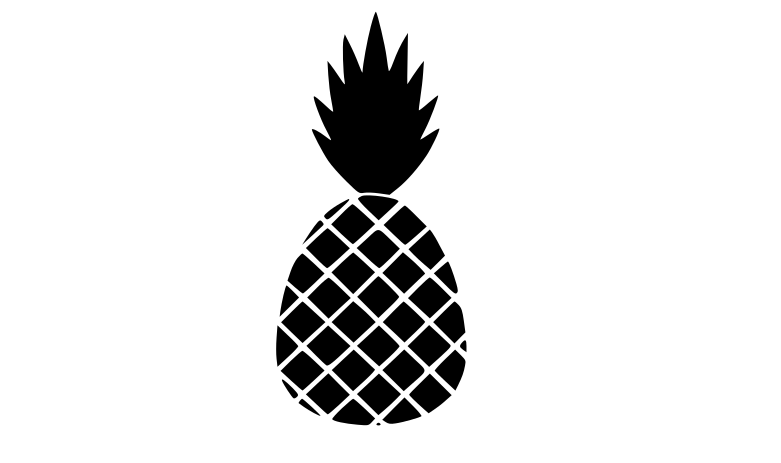
Aloha Pineapple Summer SVG
Download the "Aloha Pineapple Summer" design as a free SVG cut file, ready for Cricut, Silhouette and other cutting machines. With a aloha vibe, it prints cleanly on shirts, tote bags, tumblers and more. As an SVG it stays razor-sharp at any dimension.
How to use it in Cricut
- Download the SVG file using the button above.
- Open Cricut Design Space and start a new project.
- Click "Upload" in the left panel and select the SVG.
- Insert the design onto the canvas.
- Resize it to fit your shirt, mug or surface.
- Load your material (vinyl, HTV, cardstock) and hit "Make It".
- Weed the excess and apply with heat or adhesive.
More SVG cut files

Aloha Beaches Summer Vacation

Always And Forever Heart With Arrow Valentine S Day
Aloha Beach Summer

Always Be A Mermaid Tail

Aloe Vera Plant In The Pot

Always Believe In Your Self Positive

Allergic To Mornings Sign Funny Lazy

Always Dreaming Cloud Boho Design With Hearts And Dots

All You Need Is Love Valentine S Day Heart

Always Dreaming Heart Boho Design With Dots