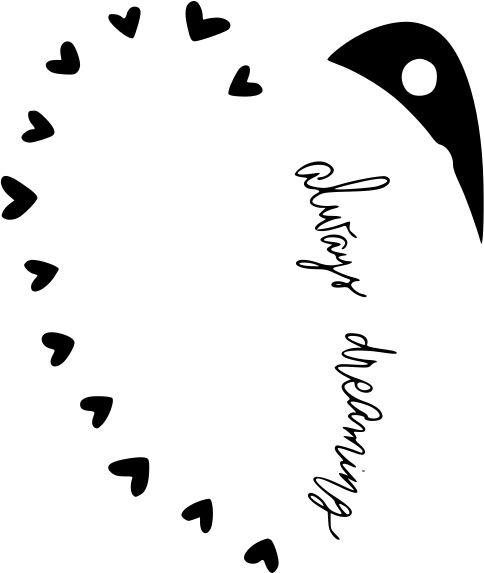
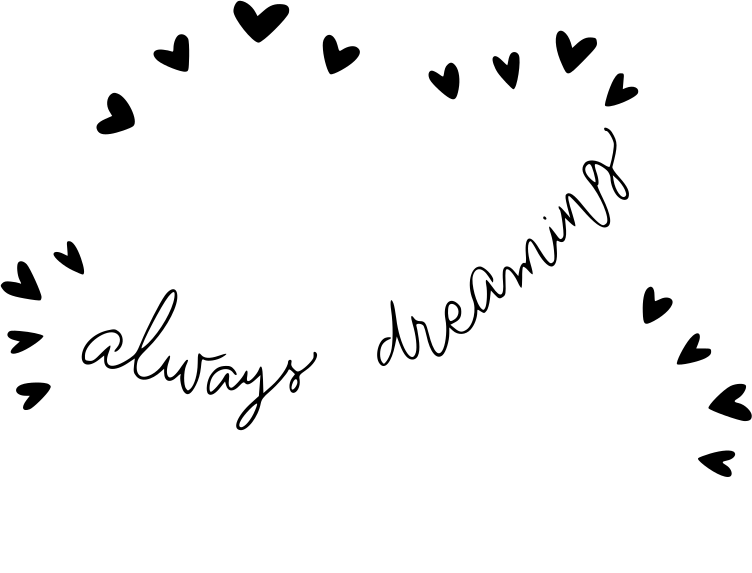
Always Dreaming Cloud Boho Design With Hearts And Dots SVG
The "Always Dreaming Cloud Boho Design With Hearts And Dots" SVG comes as a crisp vector, made for crafting and print-on-demand. With a always vibe, it prints cleanly on shirts, tote bags, tumblers and more. Being vector, you can scale it to any size without losing quality.
How to use it in Cricut
- Download the SVG file using the button above.
- Open Cricut Design Space and start a new project.
- Click "Upload" in the left panel and select the SVG.
- Insert the design onto the canvas.
- Resize it to fit your shirt, mug or surface.
- Load your material (vinyl, HTV, cardstock) and hit "Make It".
- Weed the excess and apply with heat or adhesive.
More SVG cut files
Always Believe In Your Self Positive
Always Dreaming Heart Boho Design With Stars And Dots

Always Be A Mermaid Tail
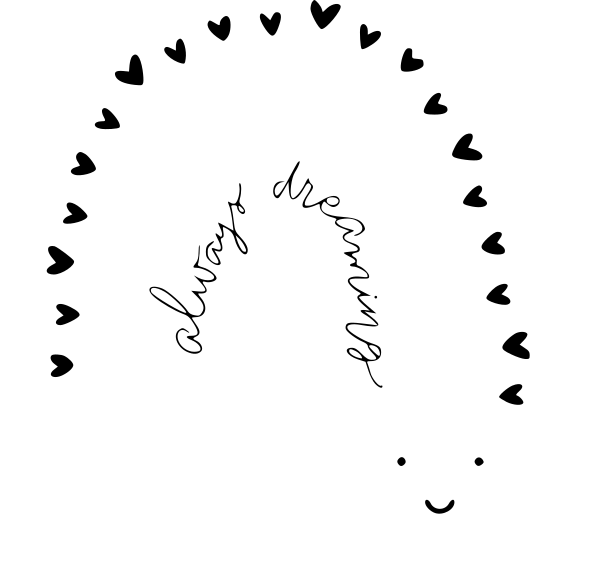
Always Dreaming Rainbow Baby Boho Design
Always And Forever Heart With Arrow Valentine S Day
Always Go To The Bathroom When You Have A Chance Restroom
Alphabet Letters Font S
Always In Love Sign
Aloha Pineapple Summer
Always In My Heart Valentine S Day