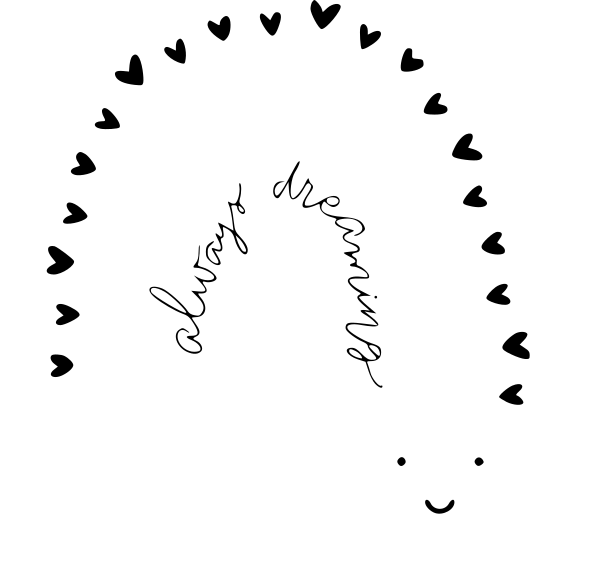
Always Dreaming Rainbow Baby Boho Design SVG
Grab "Always Dreaming Rainbow Baby Boho Design", a free SVG file you can cut, weed and press onto almost anything. A fun always design that works beautifully on apparel, drinkware and home decor. As an SVG it stays razor-sharp at any dimension.
How to use it in Cricut
- Download the SVG file using the button above.
- Open Cricut Design Space and start a new project.
- Click "Upload" in the left panel and select the SVG.
- Insert the design onto the canvas.
- Resize it to fit your shirt, mug or surface.
- Load your material (vinyl, HTV, cardstock) and hit "Make It".
- Weed the excess and apply with heat or adhesive.
More SVG cut files
Always Dreaming Heart Boho Design With Stars And Dots
Always In Love Sign
Always Dreaming Heart Boho Design With Dots
Always In My Heart Valentine S Day
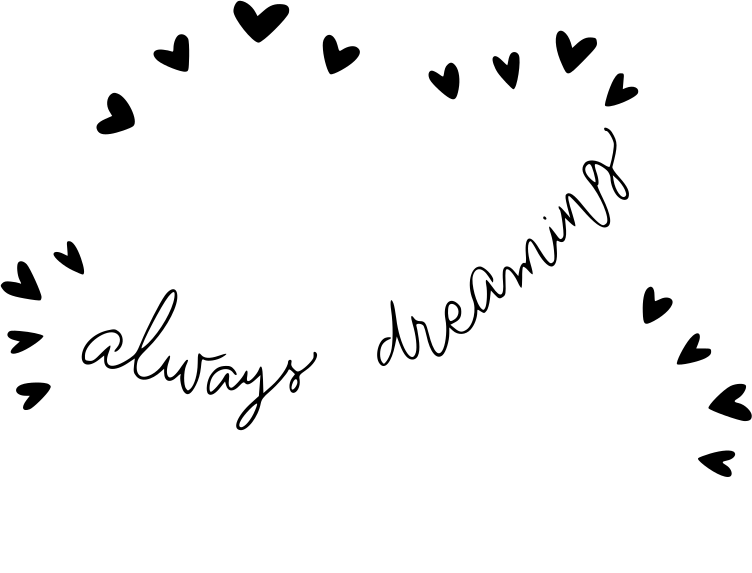
Always Dreaming Cloud Boho Design With Hearts And Dots
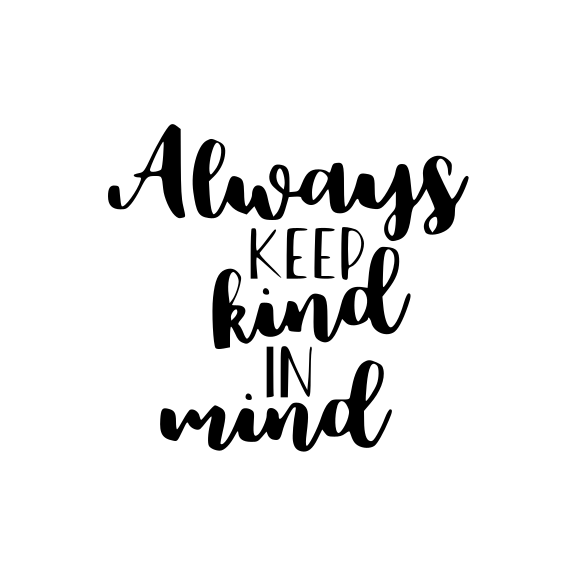
Always Keep Kind In Mind Positive
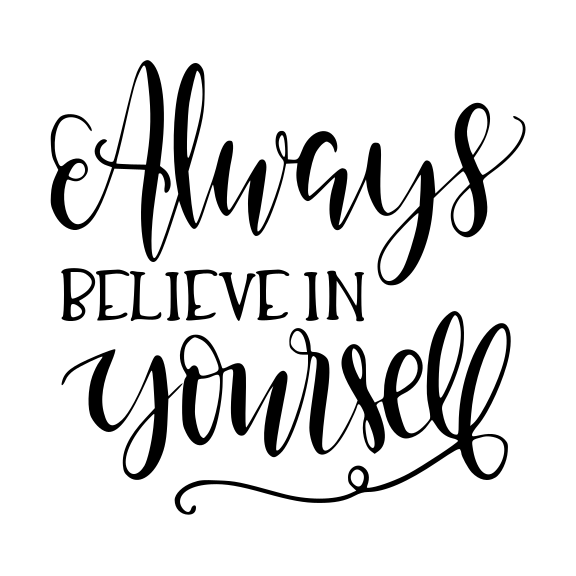
Always Believe In Your Self Positive
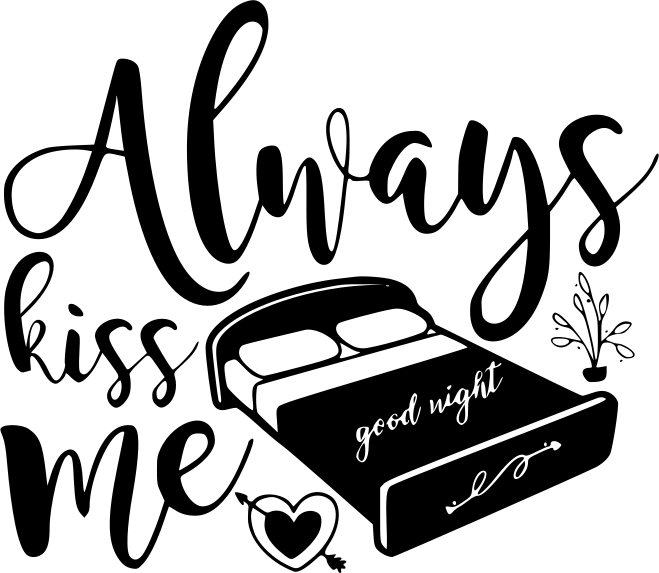
Always Kiss Me Good Night Bedroom

Always Be A Mermaid Tail
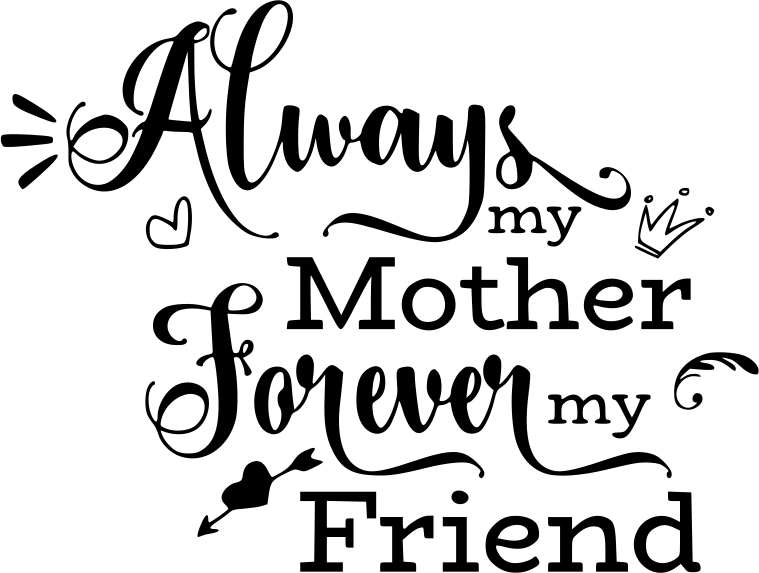
Always My Mother Forever My Friend Mother S Day